

SubLight is a single-player adventure survival game for Windows and MacOS.


The Story
Earth is gone, and the wake of its destruction is expanding outwards, towards your interstellar ark. A thousand refugees have put their faith in Aurora, a sophisticated artificial intelligence that you, the player, must control. Equipped only with sub-light speed propulsion, you plot century long voyages through the grim black reaches of interstellar space. Generations of people live and die aboard the small confines of your vessel. Humanity’s only chance for survival is to flee from one star system to another, gathering vital resources along the way. The critical choices you make will have consequences for generations to come.
Storytelling Across Millenia
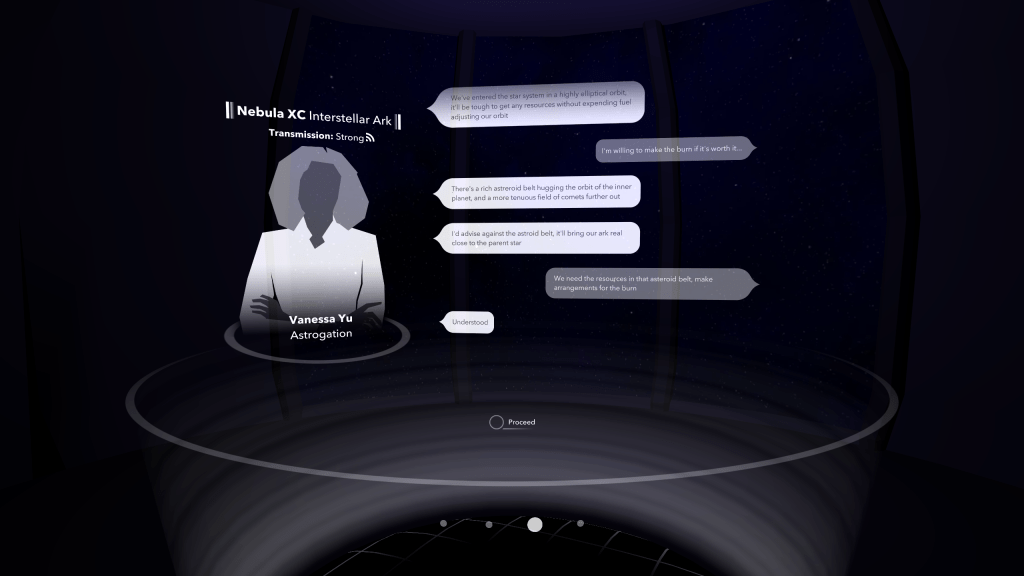
I wanted to tell the story of a society, not an individual. To do this, I focused on the interstellar ark’s robotic caretaker. Casting the player as an artificial intelligence was not a decision I took lightly, you can learn more about my thought process here.
As the player explores SubLight’s universe, they upgrade their AI with modules allowing them to empathize, express aggression, or deceive others. In terms of game-mechanics, this reveals new dialogue options to players with appropriate upgrades. If the player has multiple upgrades, like empathy and deception, they may combine them for more potent responses.
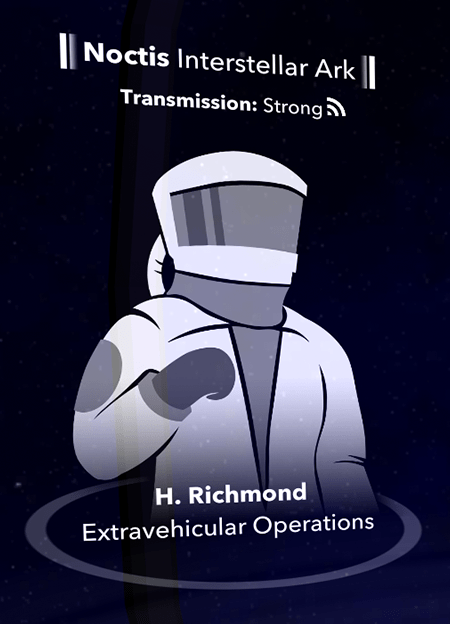
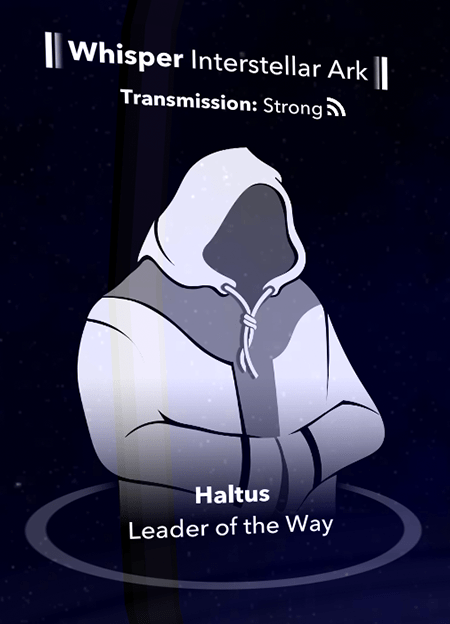
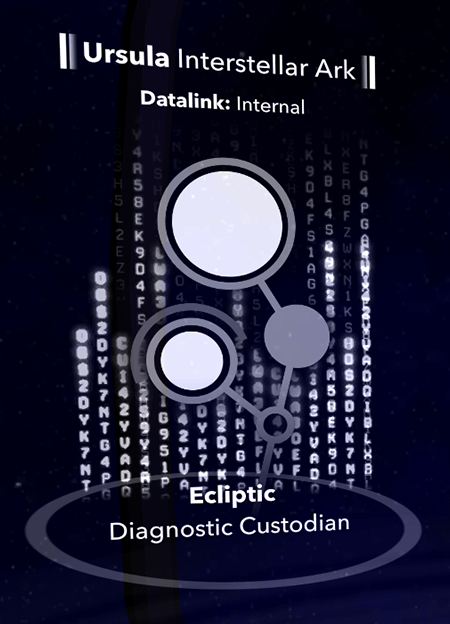
Below are more characters from various encounters in SubLight.



Navigate a Holographic Control Deck
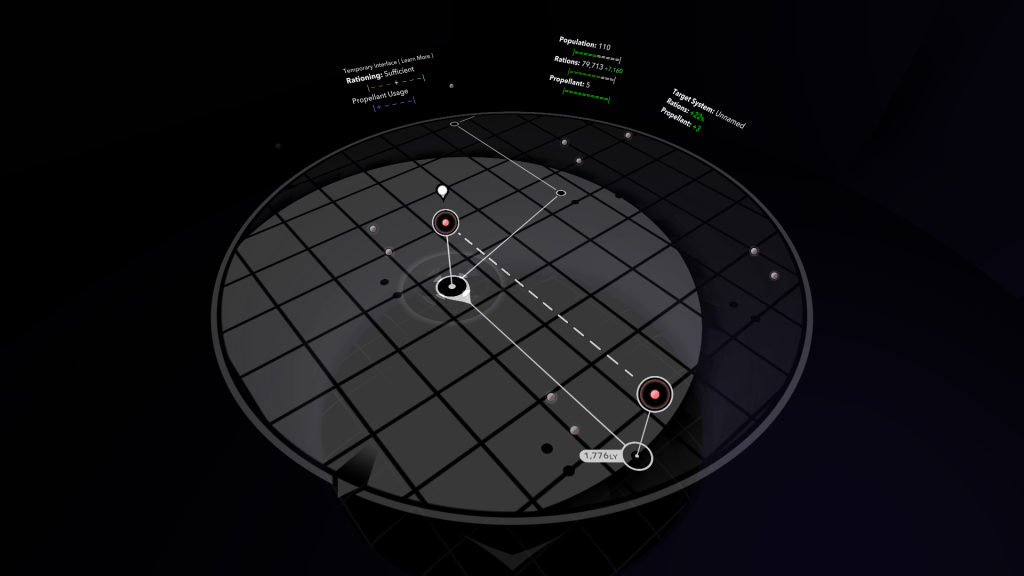
I love diegetic interfaces, so an early design goal for SubLight was to fill it with as much futuristic diegesis as I could. I accomplished this with a holographic display projected from the floor of the player’s control deck. I adopted Unity3D’s Lightweight Render Pipeline and Shader Graph packages while they were still experimental releases. It’s risky to adopt tech that early, but I wanted to see what I’d be working with on future projects.
In addition to authoring meshes and shaders, I used the UGUI canvas system with a custom input manager. To further immerse the player, I added Curved UI to wrap information around the circular navigation area. My experience creating interfaces for virtual reality proved invaluable here, since much of the visual language for VR interfaces translates well to SubLight’s holographic theming.
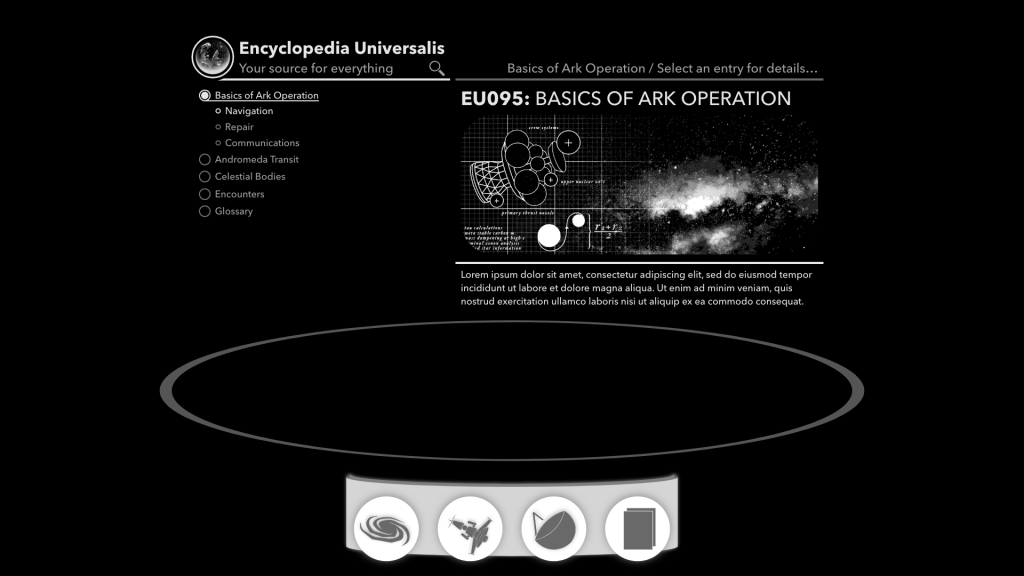
To guide development, and experiment with different visual styles, I created a comprehensive UX with Adobe XD. Below are a few examples from that document.


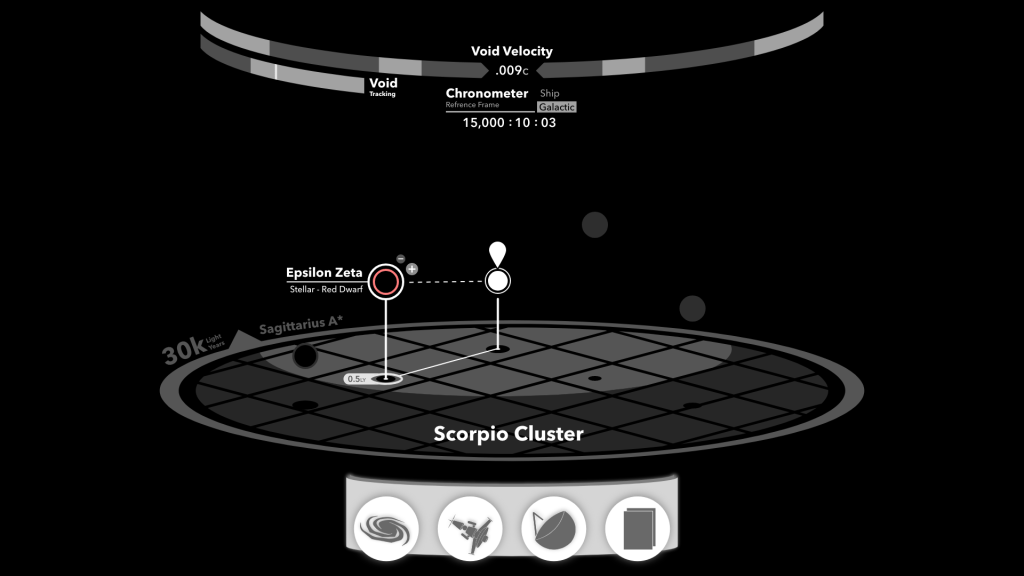
For a more in-depth analysis of my design process, check out this blog post.
Procedurally Generated Galaxy
I wanted each play through of SubLight to be unique and challenging, so the positions and properties of star systems are procedurally generated. However, I also wanted to leave room for level designers to create memorable, large-scale features in SubLight’s galaxy. To accomplish this, I built a custom editor for fine tuning playable galaxies. This editor consumes images created in Photoshop, such as heat maps of where stars should spawn, and allow designers to attach meta-data to them. For example, it’s possible to label galactic features. This gives players a sense of direction as they progress further towards the core of the galaxy.


Labeling these features in meta-data, rather than baking the labels into a texture, makes future localization efforts much easier. Additionally, the visibility of labels can be combined with SubLight’s encounter system to hide and reveal them when new discoveries are made.
Dynamic Encounters
A core part of SubLight’s gameplay are the encounters. These manifest as dialogues between the player and other interstellar arks, or by poking around the file systems of derelict arks.
I wanted a visual editor for creating these encounters, triggering events, and modifying the game state. To accomplish this, I created a state machine for consuming a JSON file created in a custom Unity editor. The editor allows encounter creators to link together various dialogue options, or branch to different ones based on the game state.
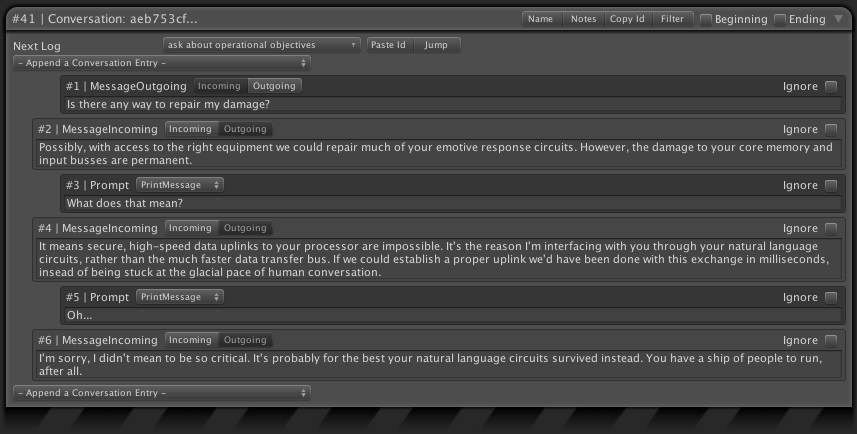
Modifications to the game state can be done by assigning values or performing arithmetic on various key-value dictionaries.

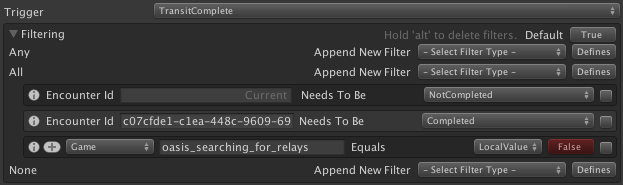
I also implemented a unified system for filtering based on the state of a player’s game.
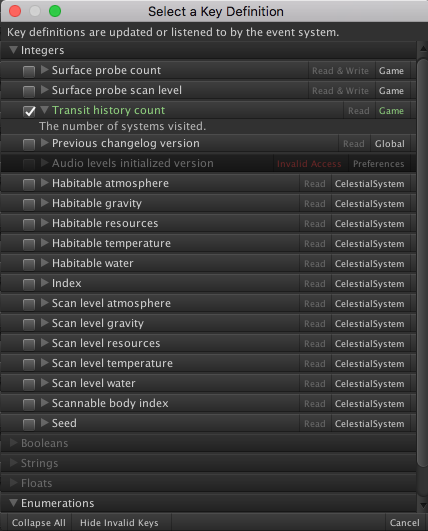
To limit the complexity of editing an encounter, I wrapped up common key-values in an easy to use browser. This allows an encounter creator to search for the key they need, or check what certain ones do.
Realistic Space Travel
SubLight faithfully simulates time dilation as predicted by Special Relativity, allowing players to contract time aboard their ship as they travel closer to the speed of light. This affects gameplay mechanics, like food rations being consumed more slowly, but also has narrative effects. The galaxy around the player grows stranger and more alien the farther they travel into its future.
Conclusion
While I’m a programmer at heart, I use projects like this to teach me about the roles of other people in my field. I want to speak the language of my fellow designers, understand the nuances of a product lead’s role, and how to best deliver assets for the marketing team’s next media blitz. I love what I do, and I’m always looking to learn more about my trade.
 Brian Ostrander